Plan the right work
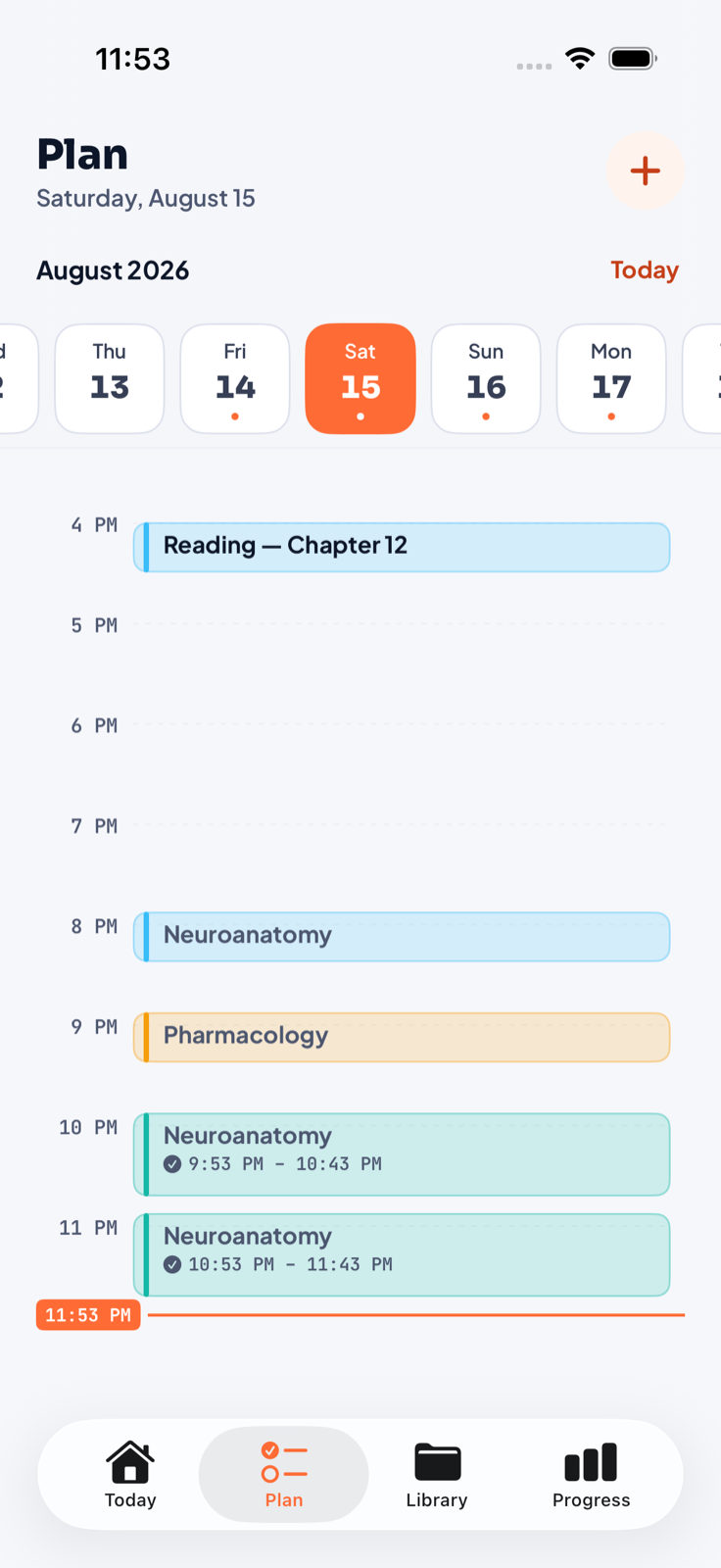
Organize tasks, materials, and calendar blocks around the course they belong to.
 YallaFocus
Now available on the App Store
Plan by course. Focus without leaving your material. Write, annotate, record, turn notes into reviews, and see the work bloom—without stitching five apps together.
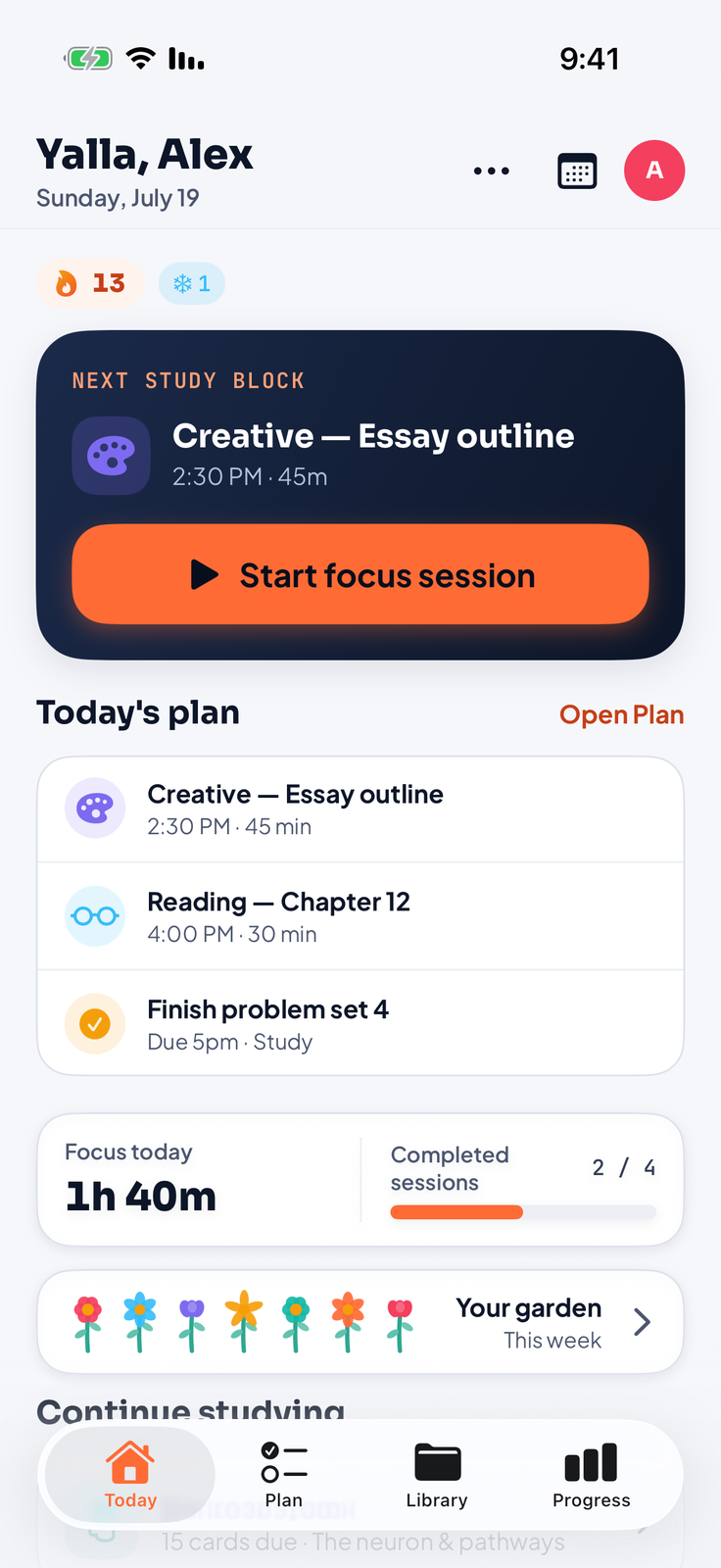
One connected study loop
Organize tasks, materials, and calendar blocks around the course they belong to.
Start from your course, notebook, or plan with the right mode, duration, and atmosphere.
Keep notebooks, live websites, rich notes, PDFs, recordings, and links together by course.
Turn your material into cards and quizzes, review progress, and grow a garden from the work.
Focus your way
Deep work, study, creative, or reading. Start from a course or open the compact timer inside a notebook, then change the atmosphere without leaving the page.
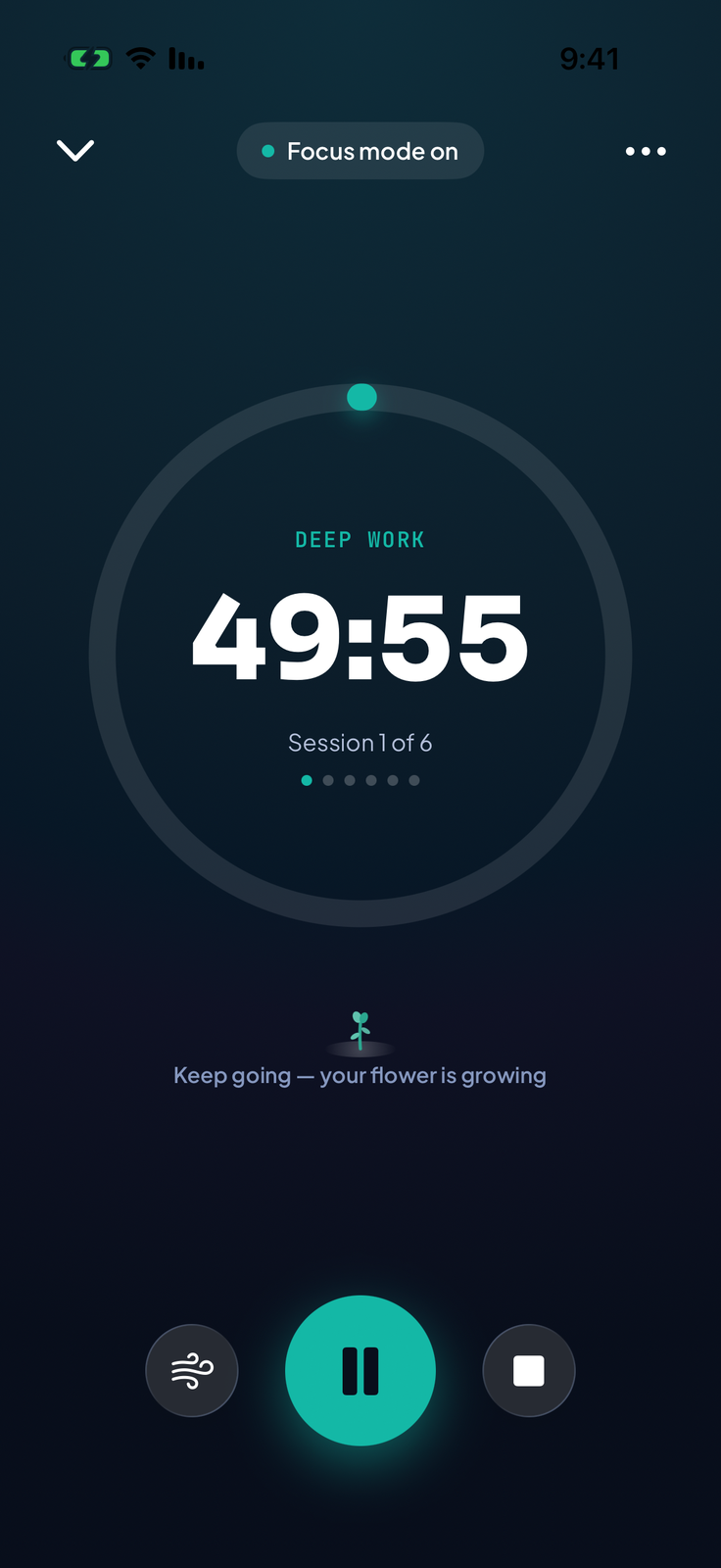
Soundscapes
Stream rain, cafés, libraries, ocean waves, and focus textures on their own volume layer without taking over your music.
Your study library
Capture material once. Search it, annotate it, revisit it, or turn it into the next useful action.
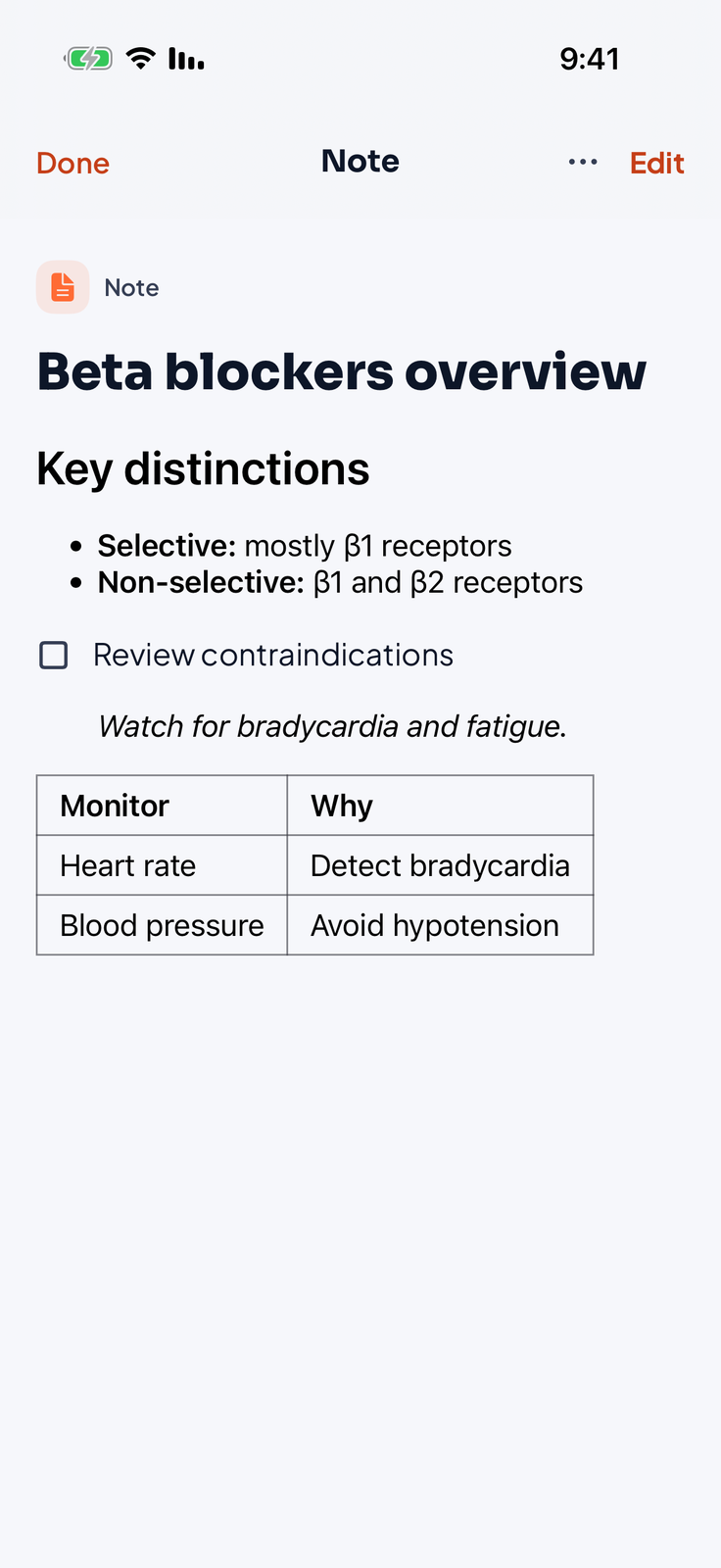
Markdown, images, audio, paged notebooks, and live web cards—with on-device transcription where supported.
Create your own flashcards and quizzes, or generate drafts from selected material on supported devices. Review cards with spaced repetition; take quizzes with instant feedback or in exam mode.
From source to study
A chapter, a note, or a recorded lecture. Choose the parts you want to learn and turn them into flashcards or quiz questions on supported devices.
Import a PDF, paste text, or choose an audio file. You can also use a saved voice note, notebook recording, or audio attached to a course note. Existing transcripts are reused.
Browse the source in manageable pieces and select the sections you need. Generate from your selection or work through the next batch. Pause, continue, or retry failed pieces.
Read the generated cards or questions, keep the useful ones, and save them for review. You can edit saved material. Check the answers against your source before studying.
Generation requires iOS 26 or later, a compatible device with Apple Intelligence enabled, downloaded models, and a supported source language. The app checks availability before generation. An Arabic interface does not guarantee Arabic AI generation on every device or system version. Manual flashcards and quizzes are available without Apple Intelligence.
Choose the language spoken in the recording, then transcribe and split it into pieces. Audio-file transcription runs on-device on iOS 26 or later with a supported speech language and Speech permission. A language pack may download on first use. A saved recording with a usable transcript can go straight to piece selection.
PDF study generation reads selectable text. A scanned document without a text layer needs text extraction first. You can paste that text into the generator; automatic OCR of an entire scanned book is not part of this import flow.
Every tool, built in
Record, sketch, browse, annotate, and quiz yourself—without breaking the flow of the course you are studying.
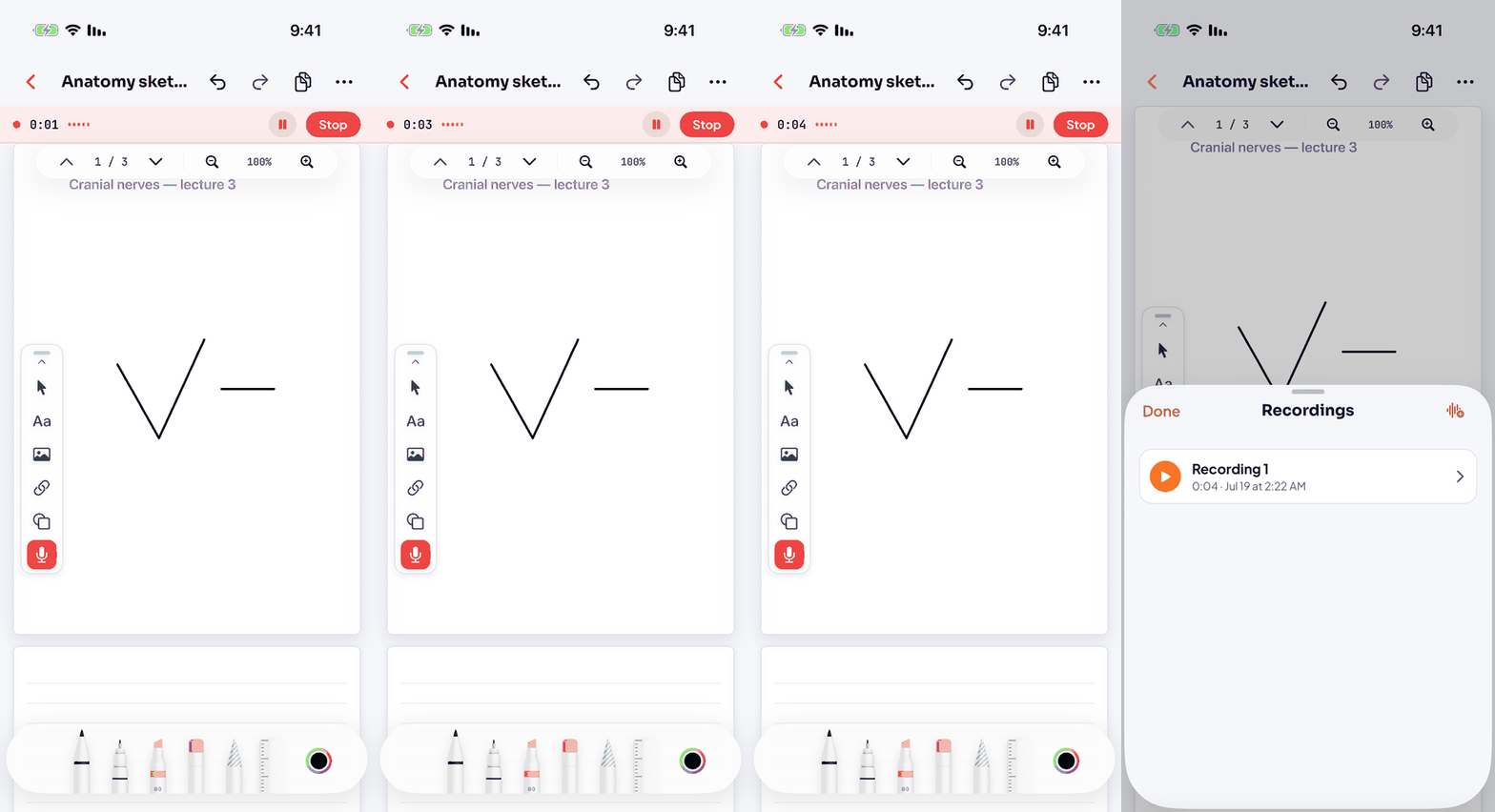
Record beside your notes, import an audio file, or reuse a saved recording. On supported devices, turn its transcript into pieces for flashcards or quizzes.
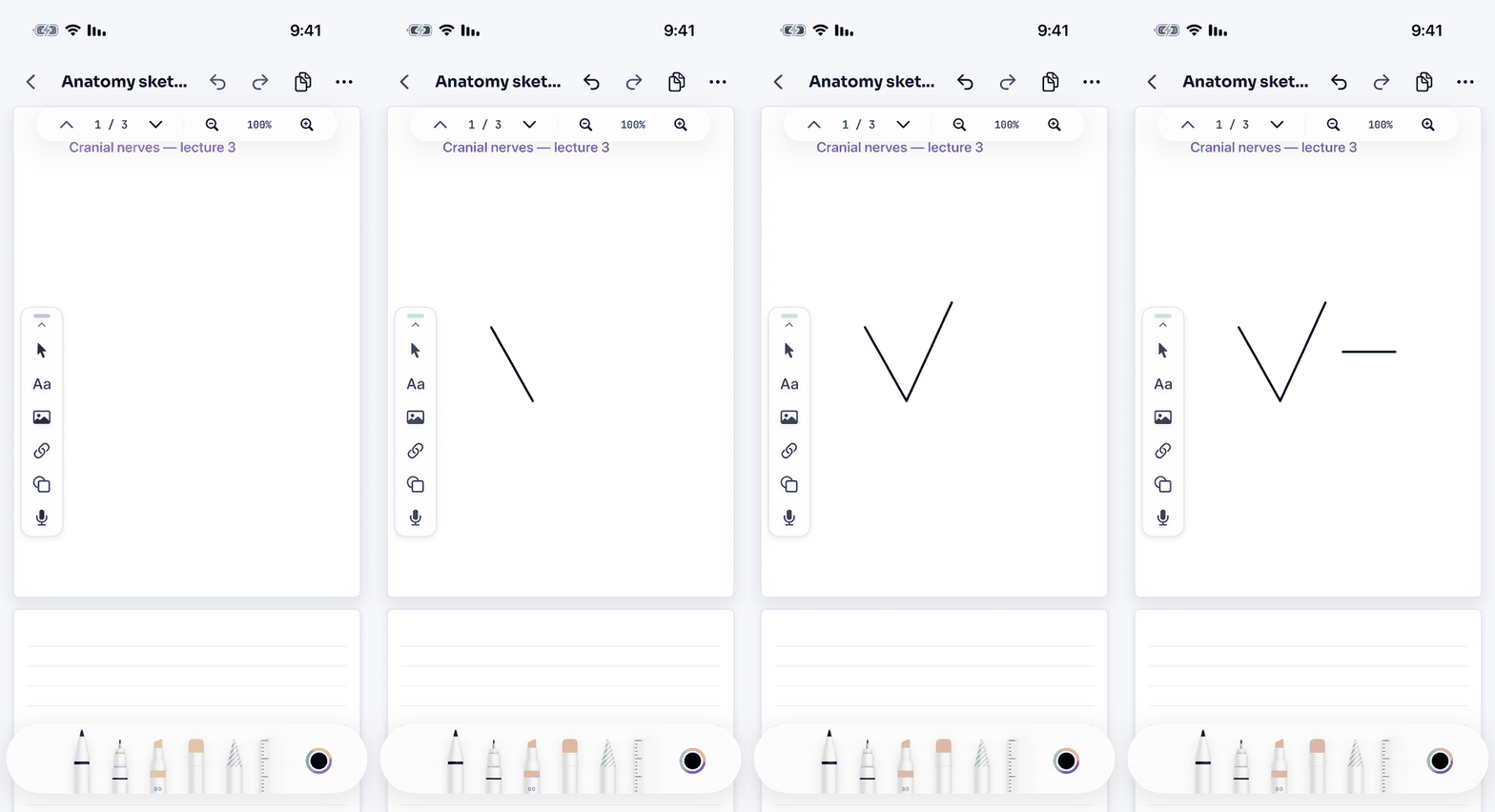
Draw and write with Apple Pencil or your finger—shapes, text, images, audio, and links on the same page.
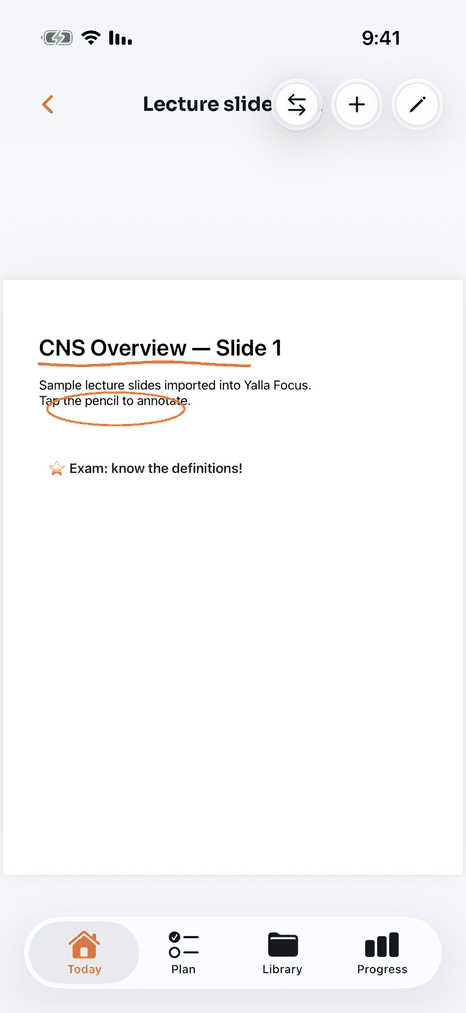
Bring in slides and books, search the text layer, ink on the pages, and export the annotated copy back out.
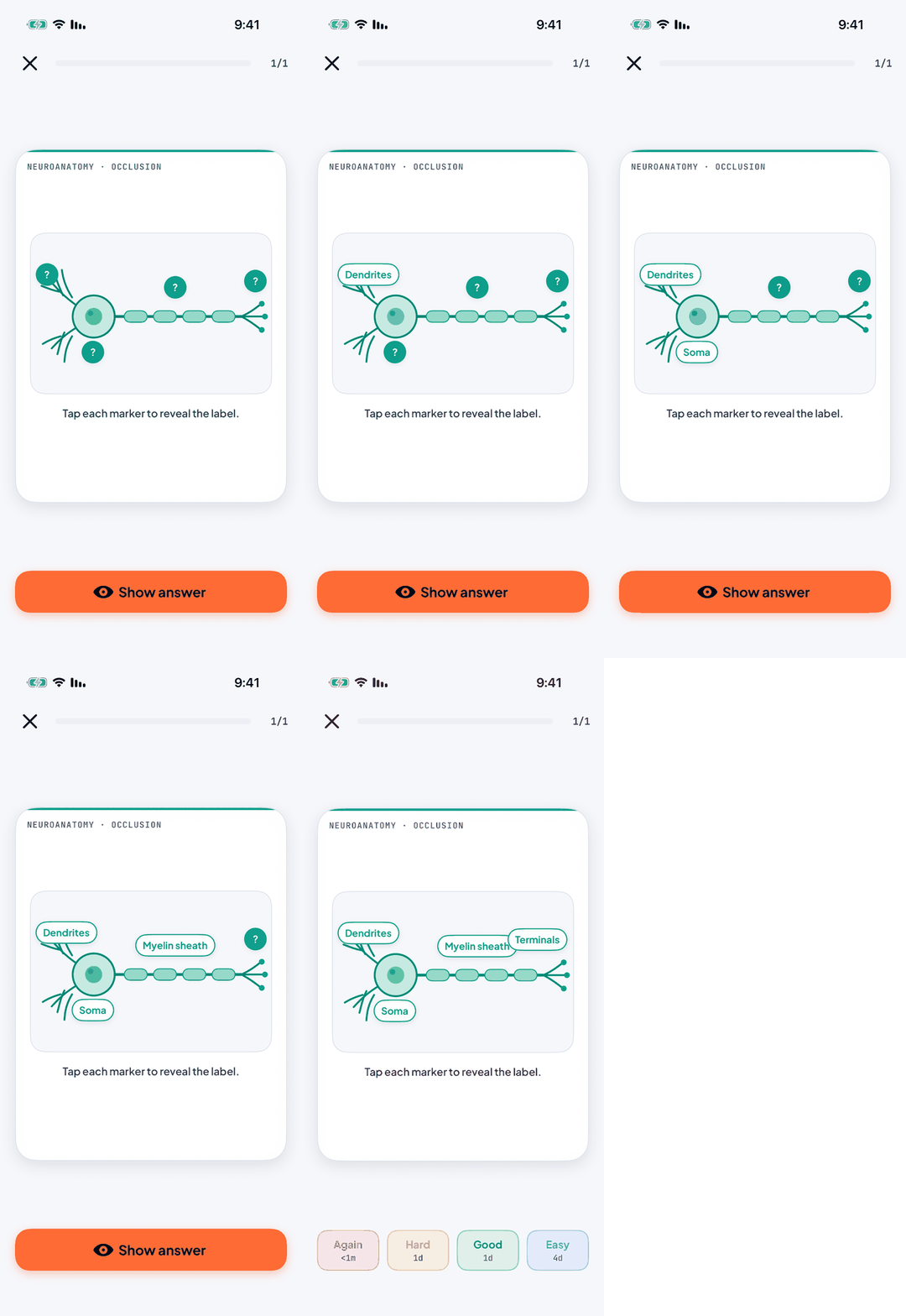
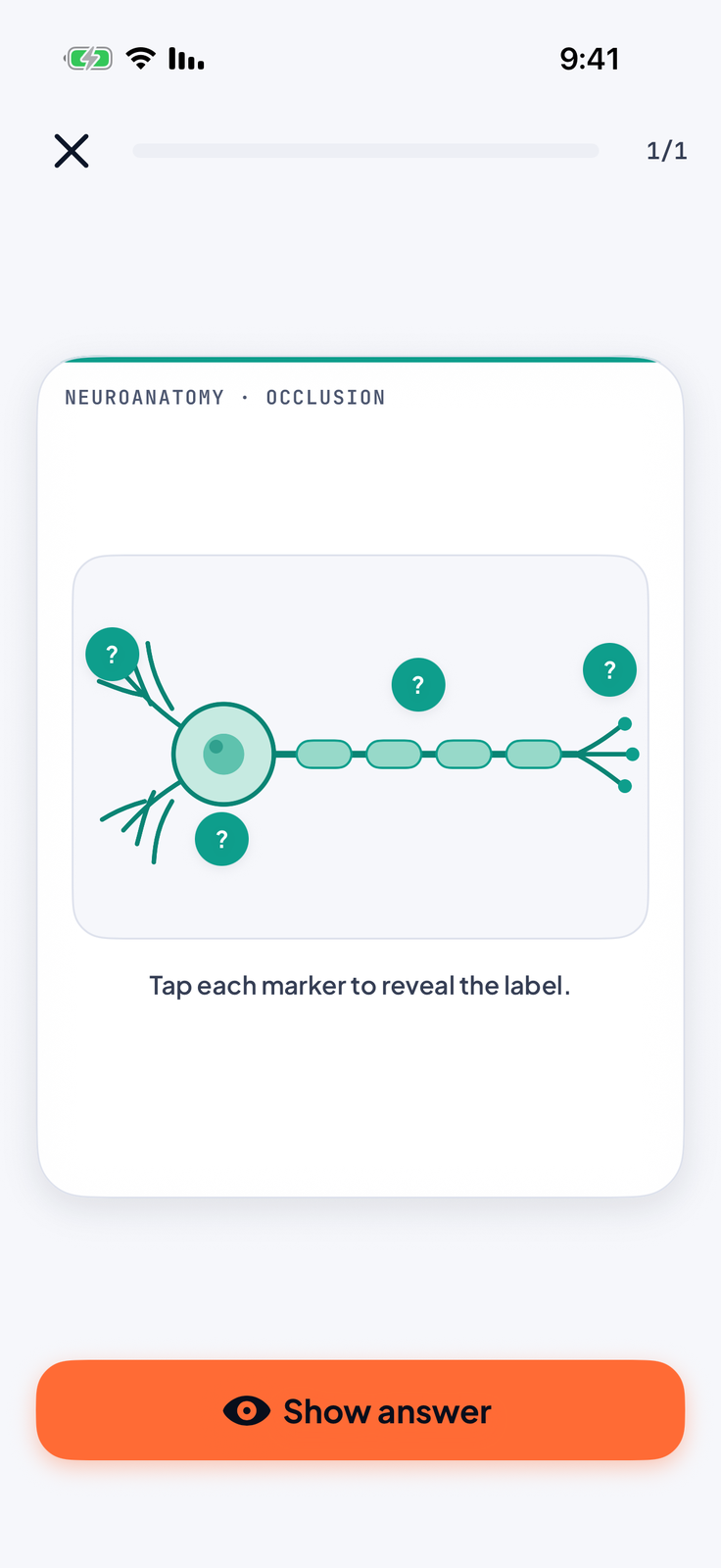
Hide the labels on a diagram, then reveal them one by one — the study technique med students swear by.
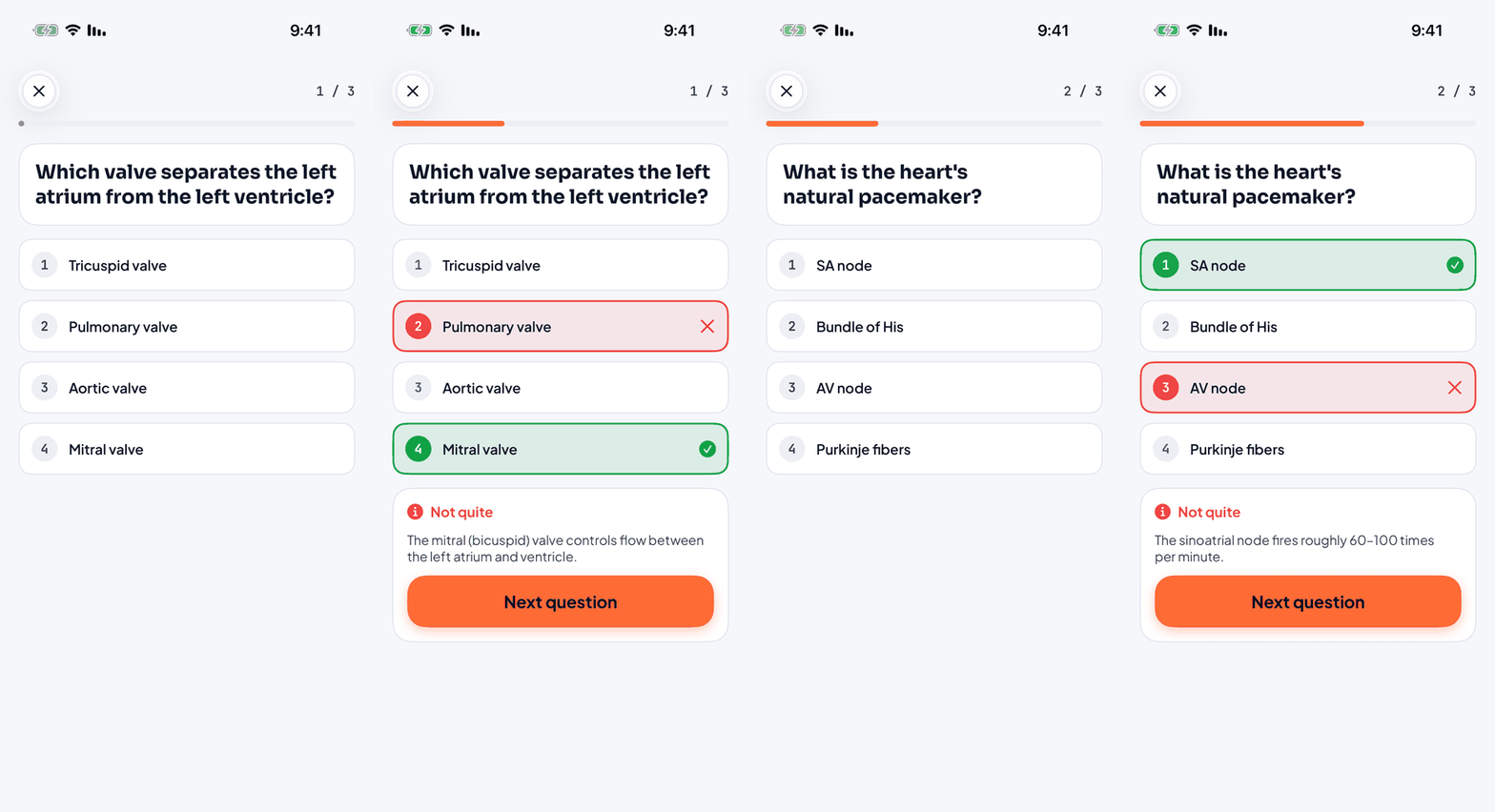
Play multiple-choice quizzes from your material — the right answer and the why, revealed instantly.
Add a link as an interactive card, play a video or scroll the page, then return to writing exactly where you were.
The whole workspace
A course holds the plan, focus history, notes, links, PDFs, notebooks, decks, and quizzes. Nothing has to live in a mystery folder.
Progress you can feel
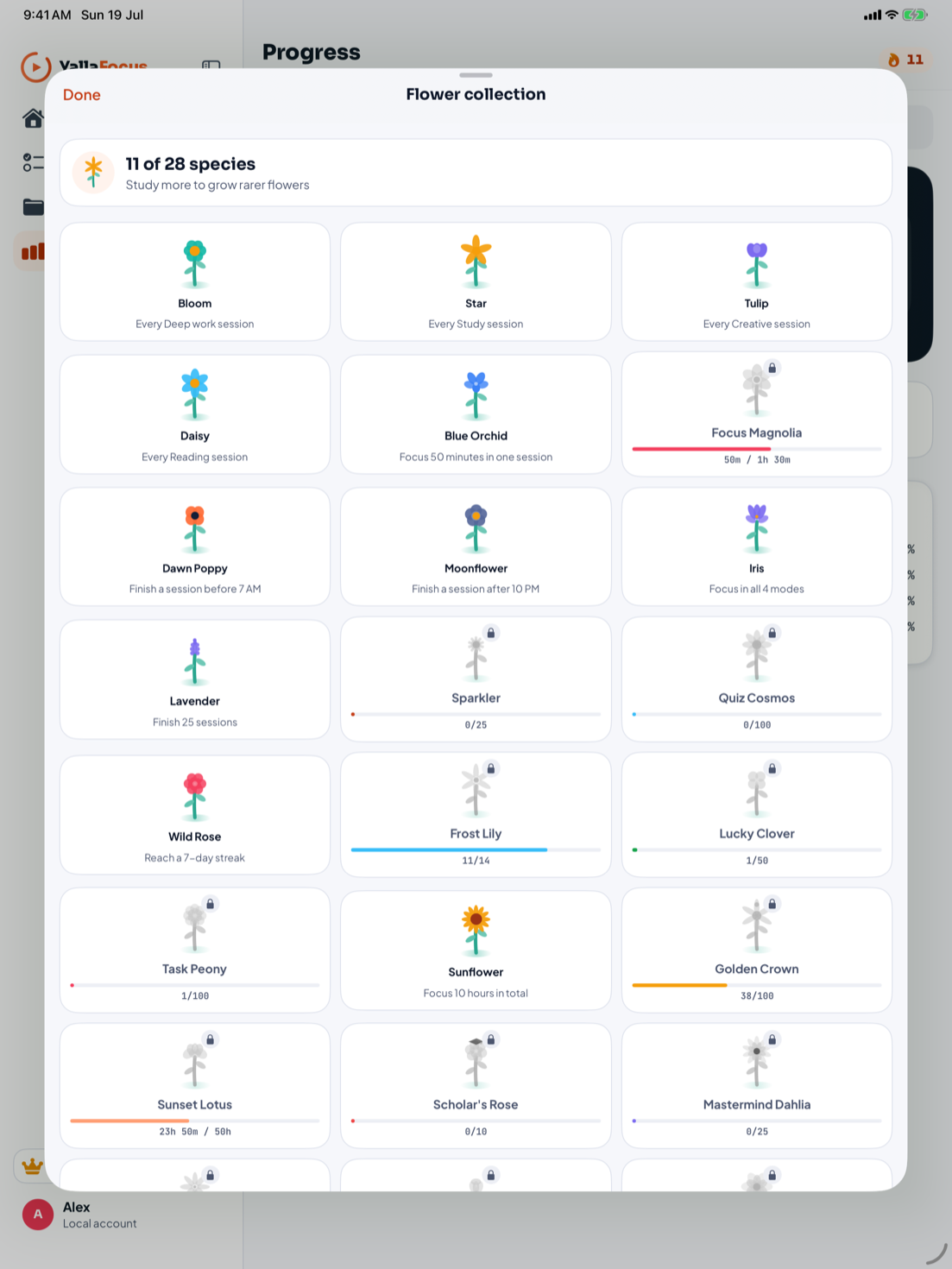
Every finished session grows a flower. Different habits unlock rare species and achievements, making consistency visible without turning study into a scoreboard.
Your focus follows you
The Apple Watch companion, Home Screen widgets, Live Activities, Dynamic Island, and Shortcuts keep the session visible without pulling you back into the app.
 DEEP WORK32:18YALLA FOCUSDeep work · 32:18Ⅱ
Made for every screen
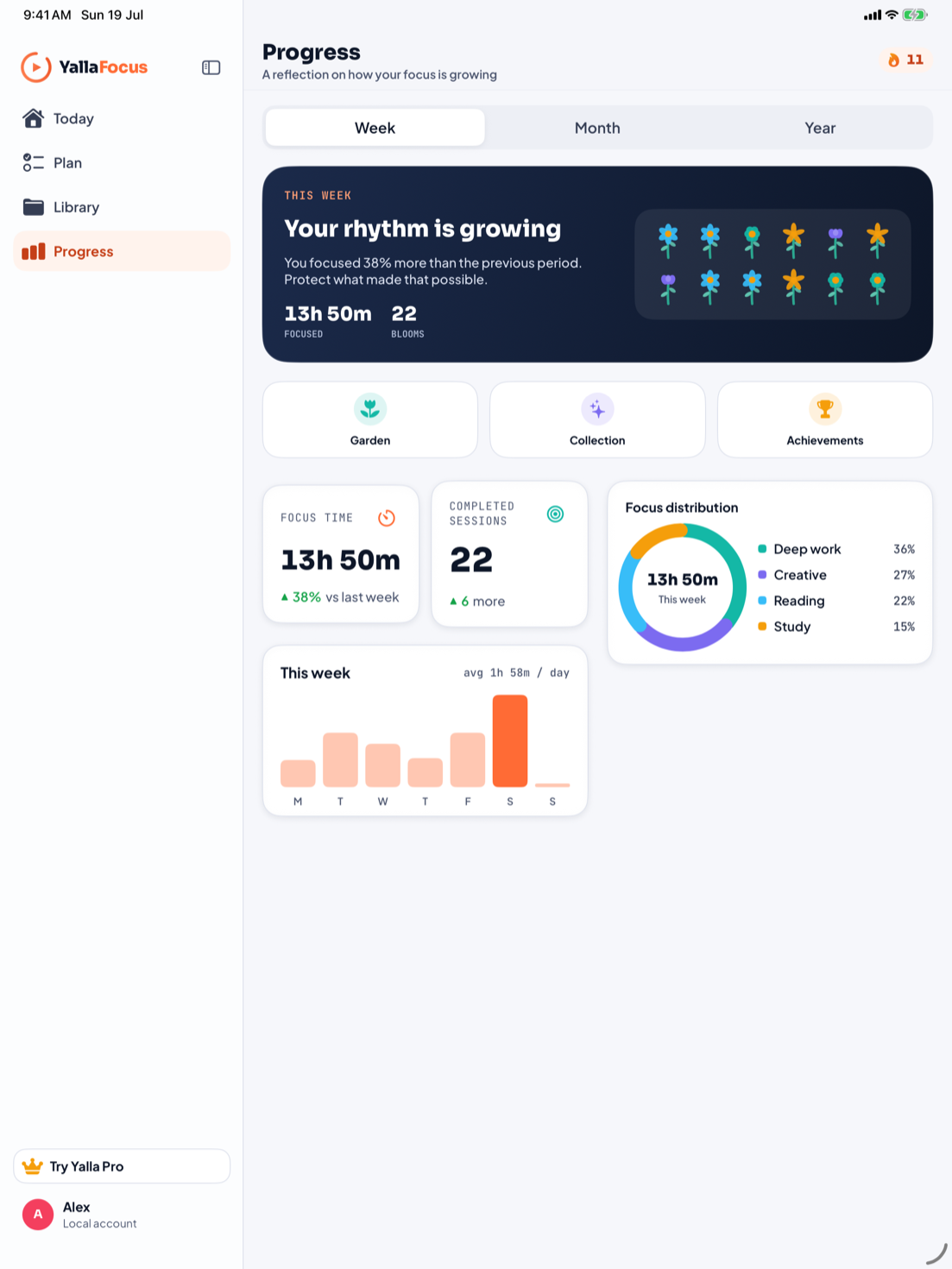
On iPad, Yalla Focus becomes a spacious study workspace with a real sidebar, adaptive layouts, and Apple Pencil-ready notebooks.
Room for your study habit
The free app includes the focus timer, tasks and study tools, with up to two course workspaces and one flashcard deck.
Pro adds unlimited course workspaces and flashcard decks, creating image-occlusion cards, and a larger bank of streak freezes.
Choose a weekly, monthly, six-month or yearly subscription. The app shows the price and any eligible offer before purchase. Subscriptions renew automatically unless canceled through Apple. Subscription terms
Local first
Your study content stays in local storage, with optional backups to your own iCloud Drive. AI study generation processes selected material on your device. Apple handles payments and RevenueCat validates subscription access. Read how your data is used.
Built for students who care
Your next study session starts here. Now on iPhone, iPad and Apple Watch.
Download on the App Store Free to download. Optional YallaFocus Pro subscriptions.